VPN with Swedish IP-address
Sanuk VPN is a simple VPN service that gives you a Swedish IP address from Thailand. This is used if you want to browse the internet securely, or for example want to stream TV or movies from a service in Sweden that is blocked from abroad. The service is only available within the Sanuk Systems broadband in Thailand.
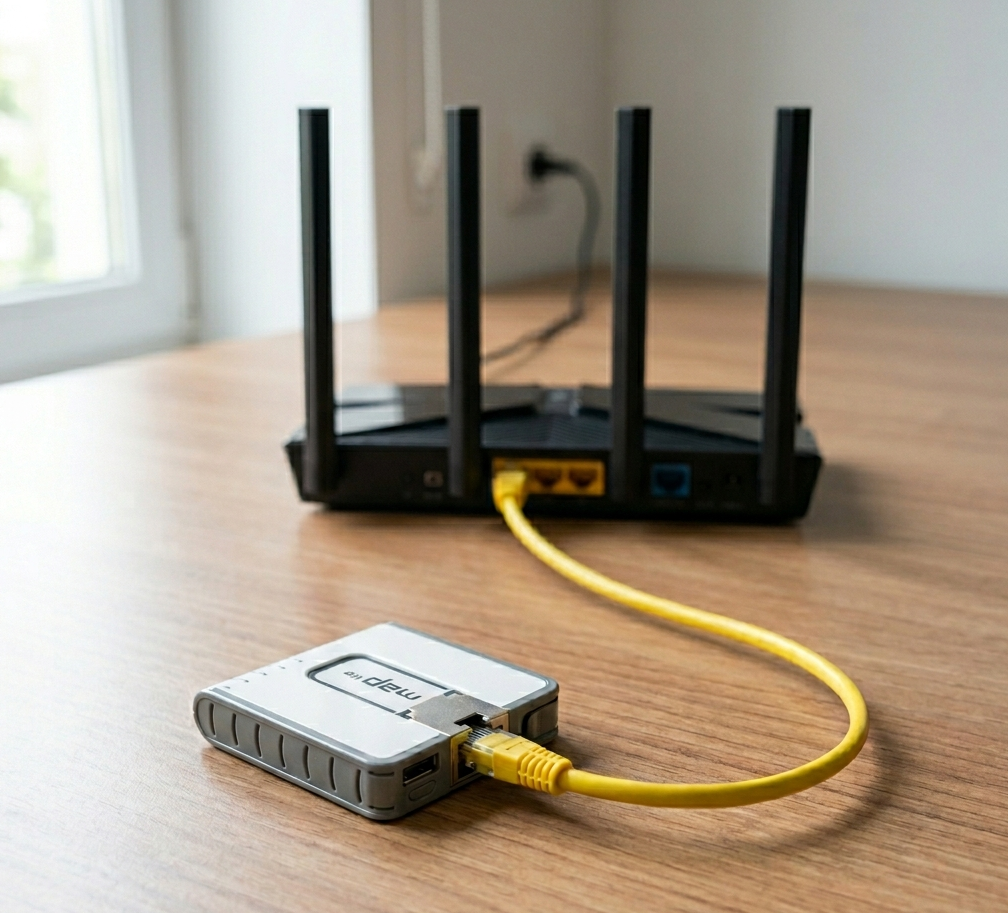
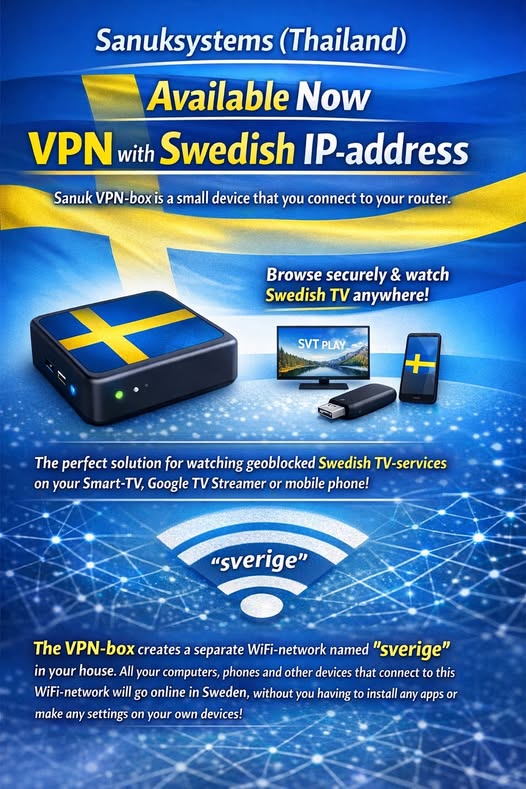
The easiest way is to buy a Sanuk VPN-box (990 baht incl. VAT), which you connect to your existing router;
The VPN box gives you a separate WiFi network ‘Sweden’. All your computers, phones and tablets that connect to this WiFi network go online in Sweden, without you having to install any apps or make any settings!
Download the instructions for more information.
The box is loaded with a VPN account that is valid for one year and is loaded with 50 or 100 GB data.
100 GB is enough for about 80 hours of streaming from SVT Play, or 200 hours from Netflix.
When the time or data limit runs out, you can easily top up with more data and time.
Alternatively, you can also use a VPN account directly on your computer, phone or tablet without using a VPN box. You then need to install the account on your computer or phone (see instructions below).
You can easily buy a Sanuk VPN account below. After payment, your account details will be sent to you immediately by email.
Please note that Sanuk Systems does not guarantee that the service will work fully with all types of streaming services and at all times. Individual streaming services (e.g. TV4 Play) may choose to block use via VPN, and as with all VPN services, the available bandwidth between Sweden and Thailand may sometimes not be enough for everyone who wants to stream TV at the same time.
Buy a VPN-account here:
Check and top up your account here:
Settings for connection without a VPN-box:
If you are using Windows
Go to Windows settings (e.g. press the Windows button, click the gear wheel at the bottom left) and then Network and Internet :

Click on VPN and then Add a VPN-connection:

Fill in as shown in the image below;
VPN-provider: Windows Built-in
Connection name: sverige
Server name: sverige.sanuksystems.com
VPN type: PPTP
Connection type: Username and Password
Username: Enter the account name you received via email
Password: Enter the account name you received via email

Click Save.
Your new account will now appear under Settings.
Click on the account, then click Connect to start using it:

Your computer is now connected to Sweden, and all data is sent securely via internet in Sweden.
When you’re done, click Disconnect to end the connection.
It is important to disconnect as soon as you no longer need the VPN, as everything will be much slower and you’ll use up data when you’re connected all the way via Sweden.

On the Data Usage page in Settings, you’ll see how much data you’re using. Look at this just before you start the VPN and then after you’ve disconnected, and you’ll see how much data was used while you were connected.
Be sure not to do any major software updates on your computer while you’re connected to the VPN, as these will use up a lot of data.

If you’re using Android
Install the app Strongswan from Google Play.
Create a new VPN-profile with the following settings:
Server: sverige.sanuksystems.com
VPN Type: IKEv2 EAP (Username/Password)
Username: Enter the account name you received via email
Password: Enter the account name you received via email

If you’re using Apple macOS
Open the System Preferences and click Network.

Click the +

Select VPN in the menu, then IKEv2 as the VPN type. Enter SanukVPN as the Service Name, and click Create.

Enter sverige.sanuksystems.com as both the Server Address and Remote ID. Click Authentication Settings.

Select Username (Användarnamn) and enter the account name you received via email as both the Username and Password.

Check the box ‘Show VPN status in menu bar’ and click Apply. Click ‘Connect’ to connect your computer to the VPN service.

If you are using Apple iPhone/iPad
Create a new VPN-profile with the following settings:
VPN Type: IKEv2
Server: sverige.sanuksystems.com
Remote ID: sverige.sanuksystems.com
Username: Enter the account name you received via email
Password: Enter the account name you received via email